Item Reclass
The Item Reclass Journal can be used to easily adjust information about an Item. For SilverLeaf Horticulture the option to reclass an item’s variant has been added:
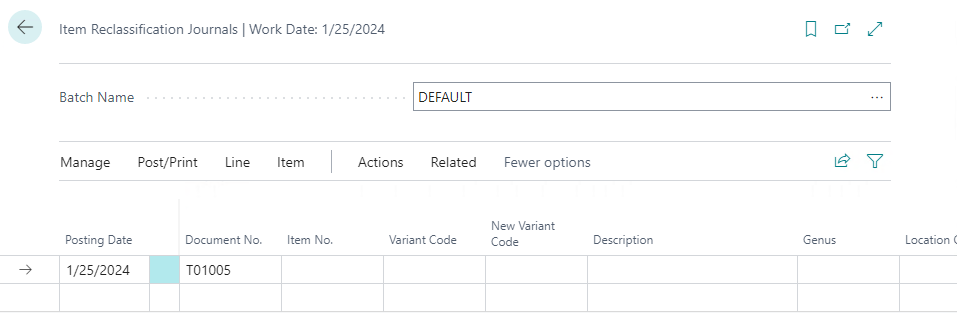
How to: Reclass an Item Variant
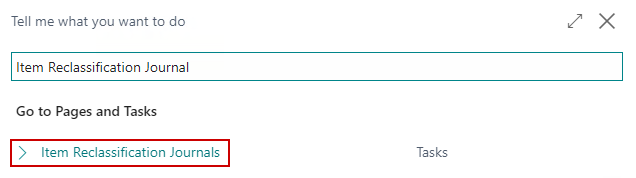
Click the magnifying glass, search for Item Reclassification Journal, and select the related link:
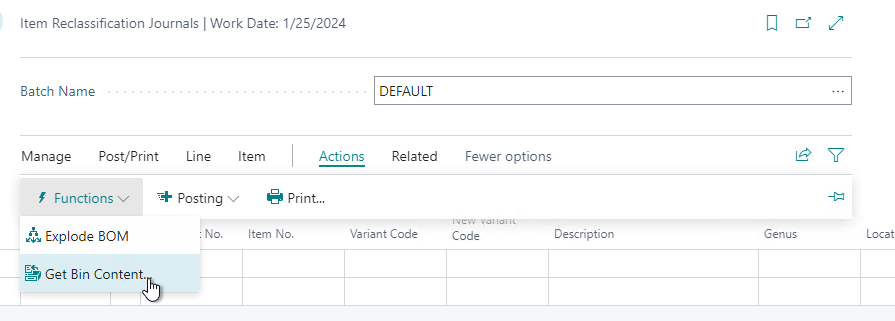
On the menu, go to Actions/Functions/Get Bin Content:
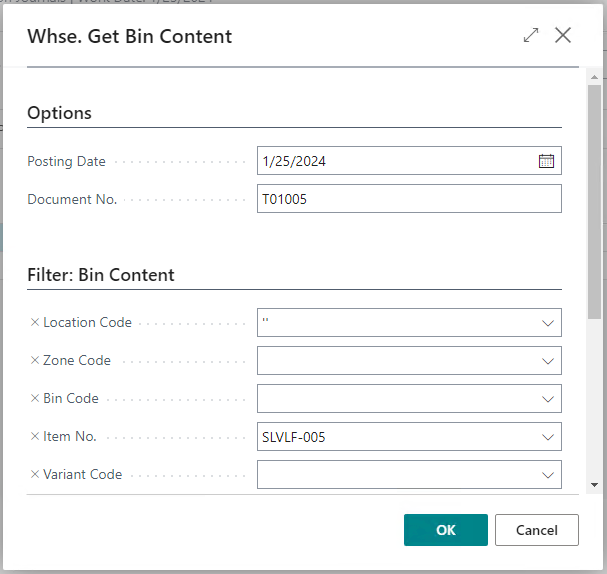
Enter in the appropriate filters to pull in the inventory whose variants need to be changed and click OK:
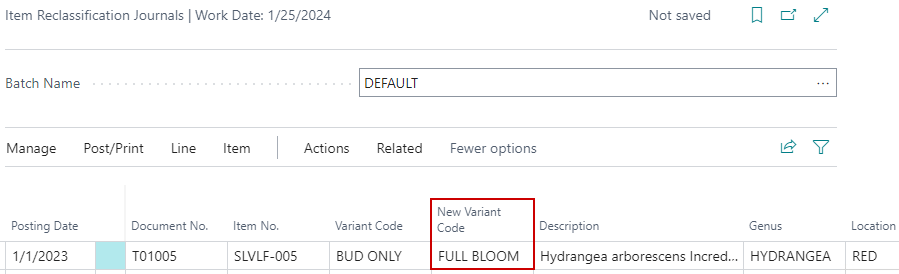
Select the New Variant Code on the item journal for the lines:
On the menu, click Post/Print and choose the Post option.
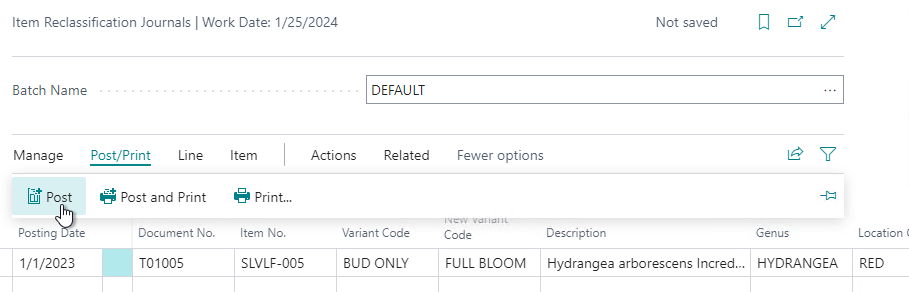
The Variant Code will be updated for the item.