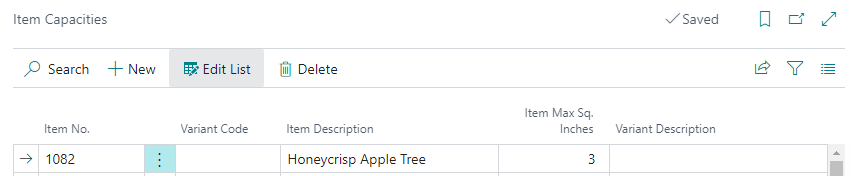
Item Capacity
Item Capacity can be configured to specify how much space plants take up. The Space Capacity tool can then be used to determine how much space is available for planting over time.
Item Capacities can be configured per Item / Variant combination. If all variants are the same size then each individual Item / Variant combination does not need to be set up. The Item with a blank variant can be configured and the system will use that if it cannot find the Item / Variant Combination.
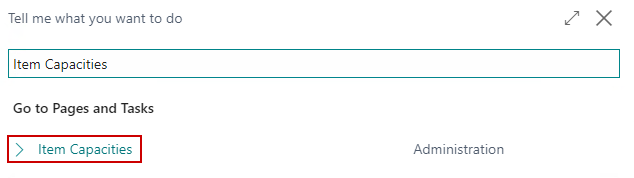
The Item Capacities list can be accessed from the global search:
| FIELD NAME | FUNCTION |
|---|---|
| Item No. | The Item No. to configure capacity for. |
| Variant Code | The Variant Code to configure capacity for. Can be left blank to allow for a default. The system will first search for the Item/Variant Combination when viewing by Variant and if it cannot find that it will then search for the Item without a Variant to determine the capacity. |
| Item Description | The description of the Item. |
| Variant Description | The description of the Variant. |
| Item Max Sq. Units | The maximum amount of space this Item/Variant combination will take up. |