Overhead Distribution
The Overhead Distribution function can be used to allocate a per plant labor rate against actively growing plants. To use this functionality, the following configurations will need to be completed:
Configure Labor & Overhead Rates.
Configure the Labor & Overhead Rates on the Item Card and Spacing Schedules.
Configure an Overhead Labor Work Center.
Once the above configurations are completed, the Create Overhead Labor function on the Output Journal can be used to automatically generate lines with a per plant or per sq. unit labor amount to be posted against Grow Orders:
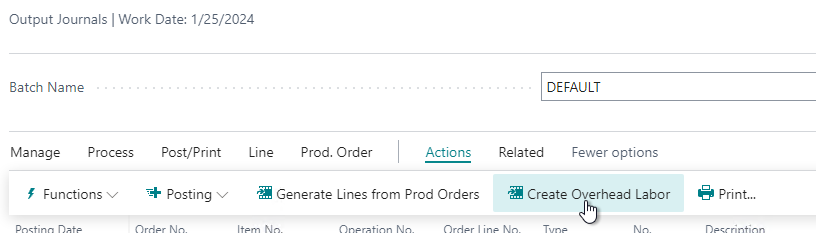
The generated lines will determine the plant amount based on the remaining quantity on Grow Orders at the time the process is run.
How to: Create and post overhead labor
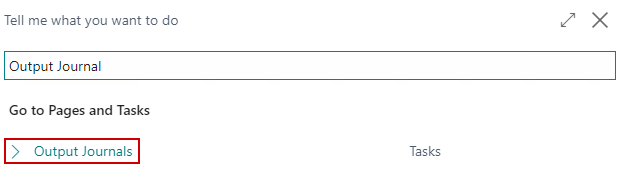
Click the magnifying glass, search for Output Journal, and select the related link.
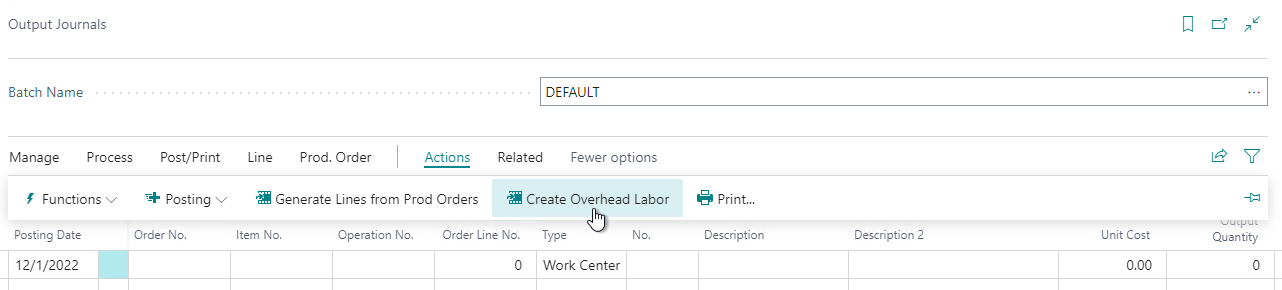
On the menu, go to Actions/Create Overhead Labor.
The Create Overhead Labor dialogue will appear. Click OK:

The system will generate lines for the remaining quantity on Grow Orders based on the selected method on the Labor & Overhead Rate:
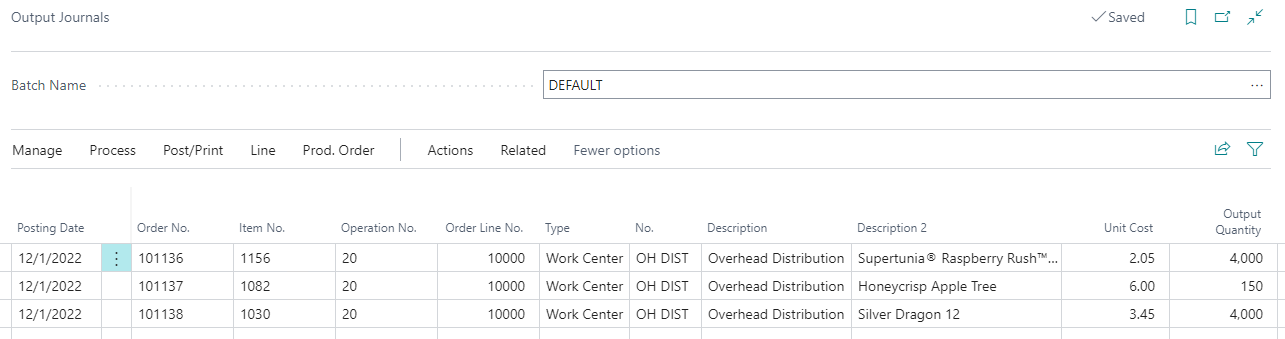
On the menu, go to Post/Print menu option and choose the Post option to post the costs against the Grow Orders.

How-to: Spread Overhead
Click the magnifying glass, search for Output Journal, and select the related link.
On the menu, go to Actions/Spread Overhead.
Enter the following in the Options section:
- Posting Date
- External Document No.
- Method - select if the amounts should be allocated based on quantity or square units.
- Direct Cost Amount - enter the amount that should be spread and posted to the Direct Cost Applied account for the Overhead Labor Work Center's Gen. Prod. Posting Group.
- Overhead Amount - enter the amount that should be spread and posted to the Overhead Applied account for the Overhead Labor Work Center's Gen. Prod. Posting Group.
On the Filters section, select the filters that should be used to determine what lines the amounts should be spread across.
The system will generate lines for the remaining quantity on Grow Orders based on the selected method and the amounts entered into the options.
On the menu, go to Post/Print menu option and choose the Post option to post the costs against the Grow Orders.